 01Find your feeling
 Pick your point of view.
Flash-on nights, film-like color, golden little moments. Start with a look that feels like you.
 snappie.
Get Snappie
snappie.
Get Snappie
A NEW WAY TO SEE YOURSELF
Digicam flash. Golden-hour glow. All the moods you love, in one photo app.
Made for iPhone · No sign-up needed
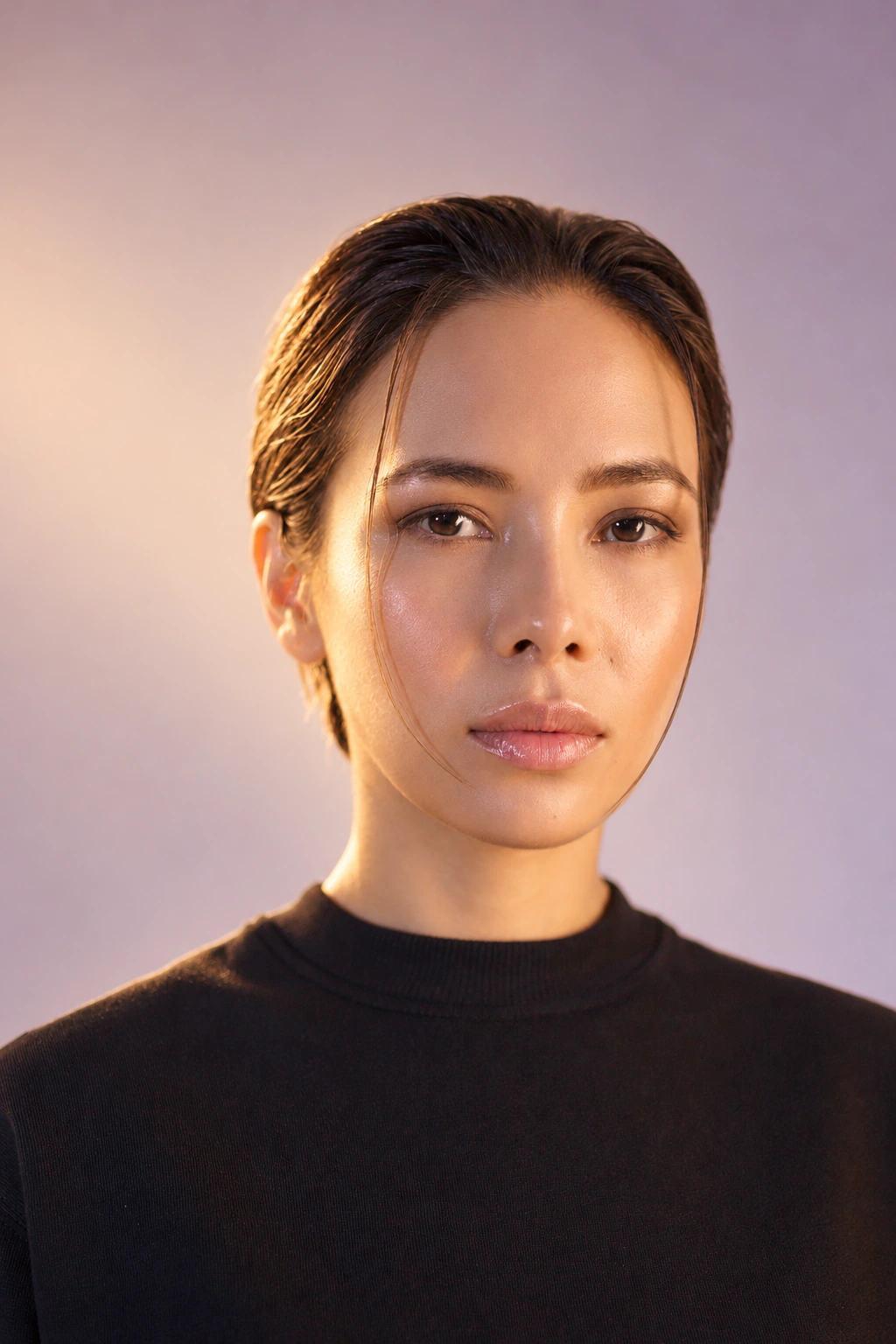
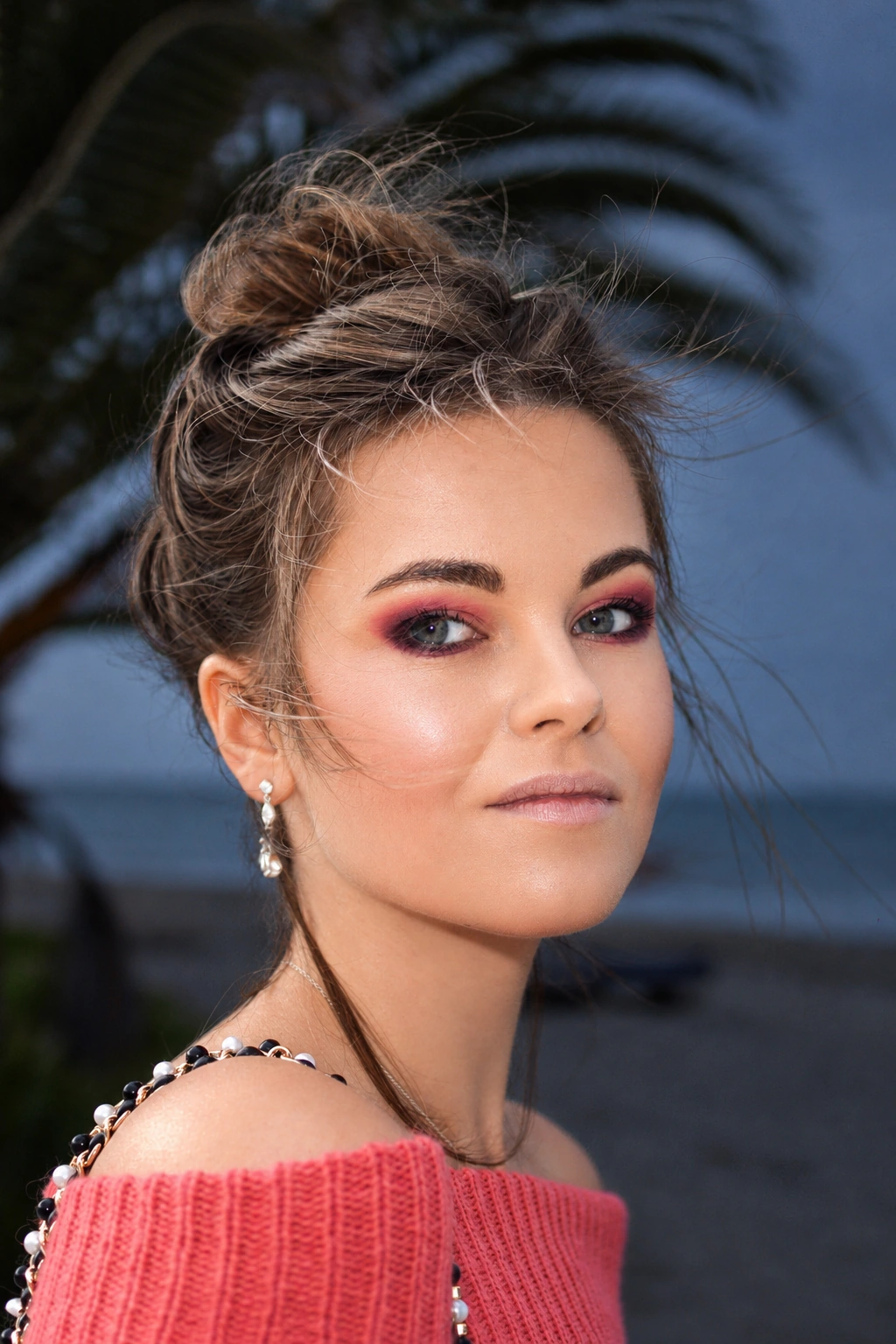


Real photograph · illustrative AI lighting preview. Drag to compare.
A LOOK FOR EVERY VERSION OF YOU
The camera you wish you brought.
The light you wish you had.
Real moments, photographed by real people.Tap to compare the light
THE POCKET PHOTO BOOTH
The best nights deserve more than one photo. Make a strip, pick your paper, add a little note. Keep the whole feeling.

 wish you were here ♡
SNAPPIE · MADE OF GOOD MEMORIES
wish you were here ♡
SNAPPIE · MADE OF GOOD MEMORIES
LESS EDITING. MORE LIVING.
A new mood for an old favorite.
A few little taps to get there.
01Find your feeling Flash-on nights, film-like color, golden little moments. Start with a look that feels like you.
02From your camera roll Use a photo you already love. Instant looks edit on your phone; AI effects bring a new light with credits.
03Made to be kept Fine-tune, frame, and save to Photos. Your moment, your way, with no watermark in the way.
AI effects use credits with Plus or Gold and may change faces or details. Compare your result before saving. Website comparisons show illustrative AI lighting edits of real licensed photographs and browser color previews, rather than actual app generation results.
Snappie requires a Plus or Gold subscription. Both unlock all Instant looks, editing tools, photo booth layouts and templates. Plus includes 5 daily AI credits; Gold includes 10. Prices and any introductory offer are shown in the app before you subscribe.
Daily credits refresh at midnight UTC and don’t roll over. Extra credit packs are available separately and need an active plan to use. Subscriptions renew automatically unless you cancel.
Instant looks adjust color, light and texture on your device without uploading your photo. AI effects relight or transform the image using cloud processing and credits. The app shows the credit cost before you generate, and asks permission before sharing your photo.
Instant looks apply effects to your original photo. AI effects aim to keep the same person and moment, but can change faces and details. Always compare your result before saving. Eligible AI results have a quality credit-refund option in the app.
Instant editing and the photo booth process on your device. When you choose AI and allow photo sharing, your selected photo passes through Snappie’s server to OpenAI for screening and editing. Read our privacy policy for processing and retention details.
Snappie is made for iPhone. Plans require age 18 or older in supported regions, or age 16–17 with parent or guardian permission in Australia and the United States. The app checks your declared age and current country before you continue.
Manage or cancel your subscription in iPhone Settings → your name → Subscriptions → Snappie. To restore, open Snappie Settings → Restore purchases with the same Apple ID. Visit Support if you need a hand.
meet your new photo appBring a little Snappie to your camera roll.
Download on theApp StoreMade for iPhone. Plus or Gold subscription required.